There are a few extra steps to this assignment, so you'll need to pay careful attention to the instructions. This assignment is also worth 15 learning points instead of 10 for the extra effort.
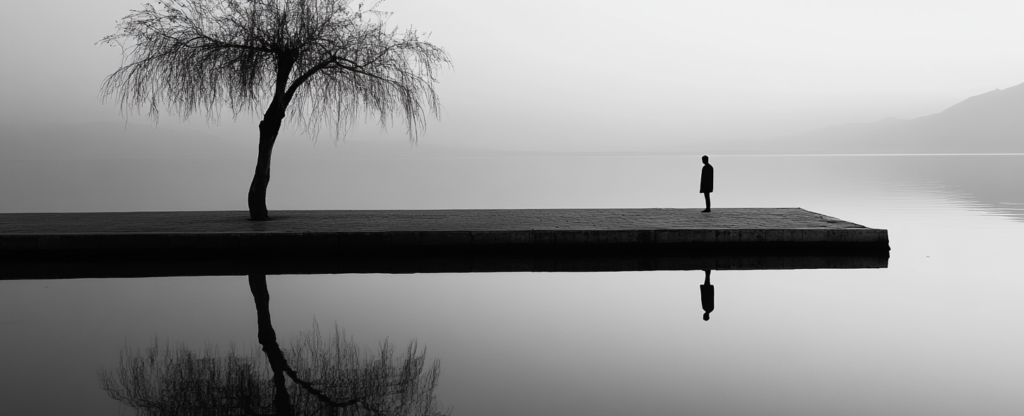
- Take a bunch of pictures using the rule of thirds composition technique you will use your top 3 for this assignment.
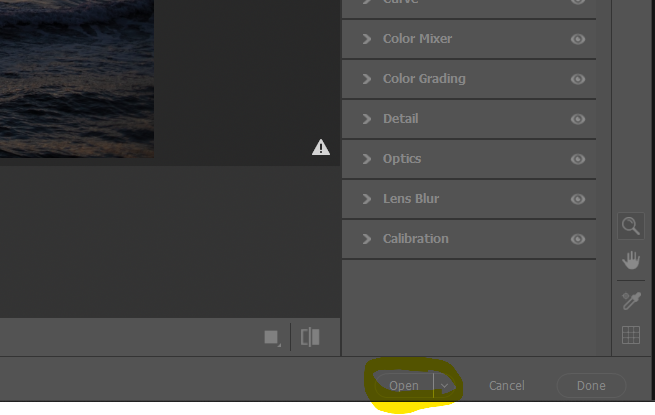
*Photos submitted that do not use rule of thirds will be rejected. - Process the photos using Camera RAW. After you edit each photo instead of downloading as a png or jpg, you will want to click Open in the bottom right corner. This will open the photo in Photoshop.
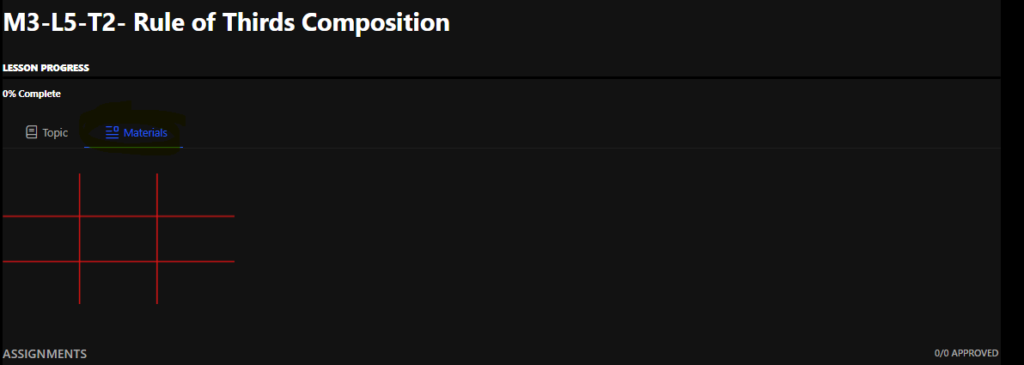
- Click on Materials at the top of THIS page. Right Click on the red grid and choose "Save As." Choose a location to save it.
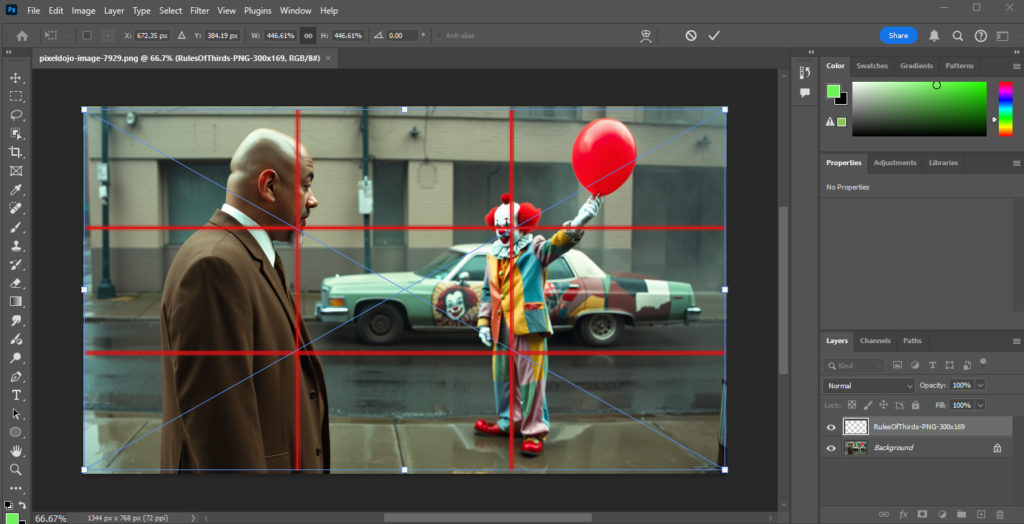
- Drag the red grid on top of one of your rule of thirds photos in Photoshop. Size it to fit your picture. Line the grid up so that your subject is on one of the thirds intersection.
- Go to File > Export > Export Quick As PNG
- Repeat for each of the 3 photos.
- Start a new Google Slides
- Place each of your 3 rule of thirds photos with the grid overlayed on a different slide.
- Go to File > Download > PDF Document
- Upload your PDF to the assignment